Home / Tools / Typing GIF

Typing Words GIF Generator

Create animated typing text GIFs online for free — README banners, Discord posts, loading screens and demos without a video editor.
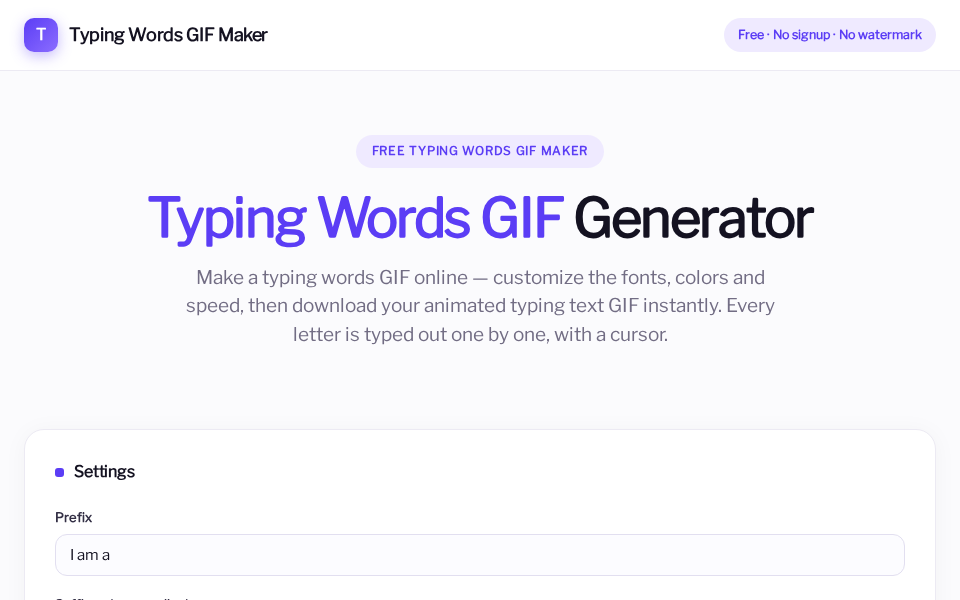
Full screenshot of Typing Words GIF maker
Product capture of the free online typing words / typing text GIF maker

What it is

Typing Words GIF is a free online typing text GIF maker. You type the words, tune the look, preview the animation, then download a real animated GIF. No signup wall and no watermark on the export.

The generator runs in the browser, so your text stays on your device while you design the animation.

Core features

Design controls

  • Fonts, size and colors
  • Typing speed and loop behavior
  • Cursor style for the typewriter effect
  • Transparent background option

Output

  • Download a real animated GIF
  • No watermark on free exports
  • Works for README, social, email and demos
  • No account required to generate

How to make a typing text GIF

  1. Open typingwordsgif.com.
  2. Enter the words or short lines you want to animate.
  3. Pick font, size, colors and typing speed.
  4. Generate and download the typing text GIF.
  5. Drop the file into GitHub, Discord, a landing page, or a presentation.

Best use cases

Related notes